
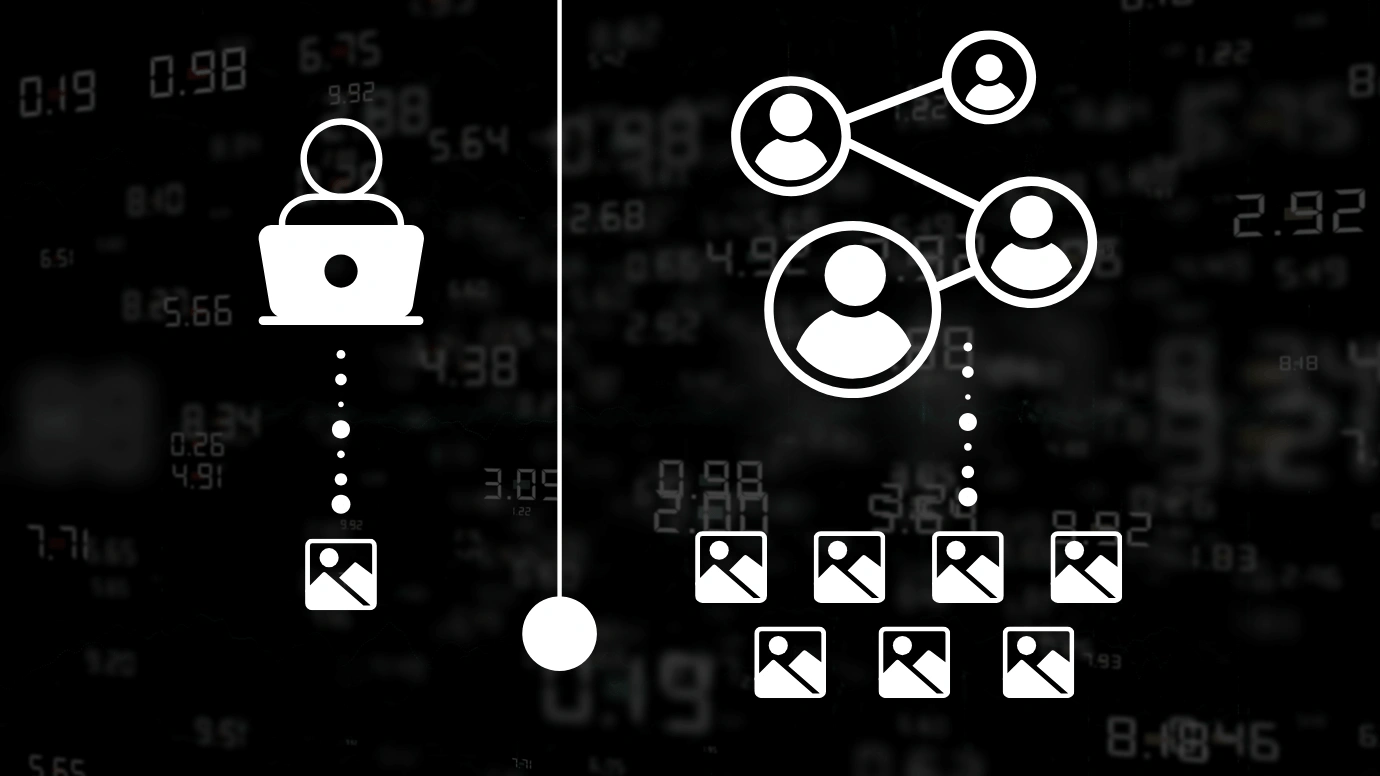

In machine learning, data labeling is the foundation on which the accuracy and reliability of the model are built. The faster and better the datasets are processed, the faster the product gets to market. Therefore, the annotation throughput metric, or labeling throughput, becomes critically important. It determines how many objects can be labeled in a certain time and directly affects the timing of releases, the scalability of the model, and the overall project budget.
In real projects, labeling can stretch out for weeks or even months, especially when it comes to complex tasks such as semantic segmentation of images or speech transcription. Delays at this stage affect the entire pipeline: model training is postponed, iterations slow down, testing is shifted. The higher the annotation throughput, the more stable and predictable the entire ML process becomes. As volumes increase, teams quickly realize that speed alone is not enough and start looking for proven ways to scale data annotation without losing quality or speed.
That is why a strategic question arises at the planning stage: who will do the labeling? At first glance, it may seem that there is little difference between a freelancer and an assembled team — the skills of specific performers are more important. But in practice, the differences between the two approaches are critical.
A freelancer works alone, most often with a flexible schedule and a limited number of hours per day. His efficiency can be high, especially if he specializes in a specific type of annotation (for example, bounding boxes or text classification). However, his annotation throughput is physically limited — he simply cannot ensure scale with large volumes. In addition, in solo work, there is almost always no internal quality control system: everything is based on the personal responsibility of the performer.
A team, on the other hand, is a distributed workload, a clear division of roles, the ability to build QA cycles, and higher fault tolerance. Even with imperfect training of individual participants, a stable pace can be achieved due to the general structure. It is also important that teams adapt faster to new requirements, correct errors, and scale up to tasks with high data density. Ultimately, the comparison rests not only on the output figures but also on the stability, predictability, and manageability of the process. And if a freelancer is great for pilot tasks or point support, then for large volumes that require a verified sequence of actions, it is the team that wins.
Key Variables That Impact Output Volume
The amount of annotation is affected not only by the number of performers. Even with an equal number of annotators, the performance may differ several times — depending on the type of task, tools, level of training and structure of workflows. For an adequate annotation capacity estimate, it is important to consider all the variables that affect the speed and stability of annotation. Below are the key ones.
Type of Annotation
Different types of tasks require different amounts of time. Simple classification of images or texts is a matter of a few seconds per example. At the same time, semantic segmentation of an image or transcription of a 10-minute audio file is already tens of minutes of manual work, especially without automatic assistance. The difference in data annotation speed between these categories can reach a tenfold value. Therefore, when planning the volume, it is necessary to consider not only the number of objects but also the complexity of the annotation type itself.
Tool Efficiency
An important role is played by the tools used by the image annotator. With completely manual annotation, any operation — from drawing a bounding box to filling in fields — is performed manually, which reduces the overall speed. Semi-automated tools (for example, auto-filling of object boundaries or preliminary classification with subsequent validation) significantly increase data labeling speed. The difference is especially noticeable when working with images, where automatic suggestions can save up to 70% of the time per object.
Annotator Skill Level and Training
Even when using the same tools, the result can differ by two times when comparing a beginner and an experienced specialist. A trained annotator understands the instructions faster, adapts to new labels faster, and makes fewer mistakes. In addition, he can work with edge-case situations without having to contact a manager or guidelines every time. Properly structured training and verification of skills in the first weeks of the project directly affect the overall data annotation productivity.
QA Workflows
The quality control system can both speed up and slow down the labeling. In the single-pass option, the annotator independently labels and sends the result, which is considered final — this gives maximum speed but a high risk of errors. In multi-review systems, one annotator marks up, another checks, and a third makes final adjustments — the annotation throughput per specialist decreases, but the final accuracy is much higher. The choice of approach depends on the quality requirements: multi-stage checking is often chosen for training production models.
Task Clarity and Complexity
Even the fastest annotator will spend more time if the task is not described precisely enough. Vague instructions, ambiguous classes, lack of examples — all this leads to fluctuations in the interpretation of the task and slows down the work. The higher the cognitive load on the annotator, the lower the annotation throughput. At the same time, a clear guideline covering all borderline cases reduces the stress level and makes the result stable.
Hours Worked per Day
The last factor is purely physical. How many people can really effectively work on markup? For freelancers, this is usually 3-6 hours a day, depending on their employment and other projects. Fixed-schedule, shift-structured teams can support 6–8 hours of real productive work per person, with shift overlap and fatigue management. This directly impacts daily volume and overall ML data labeling team output.
Estimated Annotation Throughput: Freelancers vs.Teams
When it comes to planning timelines and resources, it’s not enough to just understand the factors — it’s important to rely on concrete numbers. Below are average productivity rates for freelancers and teams on typical annotation tasks. These figures are based on observations from real projects and may vary depending on the complexity of the task, the level of training of annotators, and the tools used. However, even approximate values allow you to better understand how much work can be expected from a particular process organization model.
| Task Type | Freelancer (1 person/day) | Team (5 people/day) |
| Text classification | 1,000–1,500 items | 6,000–8,000 items |
| Bounding boxes on images | 150–300 images | 1,000–1,500 images |
| Image segmentation | 30–60 images | 250–350 images |
| Audio transcription | 20–40 minutes of audio | 150–200 minutes of audio |
For example, if a project requires labeling 10,000 images with segmentation, a freelancer with good skills can handle this task in 6-8 weeks. A team of five people — in 7-10 working days, including quality control. The same applies to classification: an annotator alone can show impressive results, but when scaling, there are limitations associated with physical fatigue, absences, lack of backup, and QA.
At the same time, teams, especially if they are organized in the format of a production line, work with greater stability. They distribute complex cases between specialists of different levels, introduce shifts, monitor metrics, and can adapt to the growth of volume. This allows not only to maintain a high annotation throughput, but also to respond faster to changes in the task or quality requirements.
It is important to take into account that the figures provided reflect only the working output — without taking into account downtime, communications, edits, and repeated QA. In real conditions, they can be adjusted downwards, especially if the process is not optimized enough. Therefore, to get a reliable annotation capacity estimate, it is always worthwhile to include a buffer and regularly review the plan as the project progresses.

Reliable Data Services Delivered By Experts
We help you scale faster by doing the data work right - the first time

When to Use Freelancers vs.Teams
The choice between a freelancer and a team depends on the volume, deadlines, and quality requirements. Freelancers are suitable for small or test projects when flexibility and budget savings are important. They are effective for narrow tasks, such as simple classification or limited image markup. In such cases, one specialist with good training is enough — especially if the volume does not exceed several thousand objects and there is no need for multi-level QA.
But freelancing is a limited resource. One person cannot cope with large-scale tasks, especially if you need to annotate tens of thousands of objects in a short time. Also, freelancers almost always do not have built-in quality control, and when the volume increases or the instructions change, there are difficulties with adaptation and maintaining a stable level of accuracy.
Teams are more effective for large volumes, with tight deadlines, and in complex types of annotation — for example, in segmentation or multi-stage text markup. They allow you to organize QA, divide roles, quickly adapt to changes, and maintain high annotation throughput over a long distance. It is easier to scale up in a team and replace dropped performers without losing momentum. It is in such conditions that a team becomes a necessary solution for stable and predictable marking.

Scaling Considerations
Scaling annotation projects requires taking into account real-world limitations that directly affect annotation throughput. Three key aspects are fatigue, onboarding, and quality control.
Productivity Drop over Time
Annotators lose productivity after 3–4 hours of continuous work. Speed drops, and the number of errors increases. In large-scale projects without shifts and control, this leads to a decrease in data annotation speed and a deterioration in quality. The solution is shift schedules, task rotation, micro-pauses, and automatic productivity monitoring. When throughput unexpectedly falls despite having sufficient staffing and tools, it is worth investigating what causes annotation projects to slow down at each stage of the production workflow.

Team Onboarding and Ramp-Up Periods
New annotators do not reach the target pace immediately. It takes up to 2–3 weeks to reach full capacity. Without clear instructions and training, the process drags on. Standardized onboarding with examples, training tasks, and quick feedback shortens this period and accelerates the growth of data annotation productivity.
Importance of Annotation Guidelines and Consistent QA
Without strict guidelines, annotation becomes inconsistent. The result is noise in the data and unstable model training. Unified instructions that are updated when conditions change, plus built-in QA with regular checks and quality metrics, are a necessary condition for stable ML data labeling team output.

Final Thoughts / Recommendations
When starting a data labeling project, it is important not to try to cover everything at once. The best way is to start with a pilot volume. This can be 1–5% of the entire dataset, depending on the tasks. This approach allows you to test the workflow, identify bottlenecks, evaluate the annotation throughput, and adapt the guidelines before scaling.
The next step is to constantly measure productivity. Metrics for annotation speed, number of errors, and QA time help make decisions: who to connect with, where to add automation, and which areas require revision of instructions. Without this data, resource allocation turns into guesswork, which in large volumes leads to failures in deadlines and budget.
Automation is a necessary tool, but it does not replace human participation. Semi-automated tools speed up data labeling, especially in routine or structured tasks. However, in tasks with a high cost of error — medical labeling, legal documents, multi-level segmentation — a person remains the final validator. And if this stage is not included from the very beginning, the accuracy of the final model will be at risk.
Therefore, scaling should only be done after validating processes on a small scale, with a clear understanding of metrics and pre-planned participation of QA and analytics. This allows you to not only maintain the pace but also control the final quality without having to redo everything from scratch.
A properly organized annotation process is not just labeling but the basis of a stable and scalable ML infrastructure.
If you are looking for a reliable partner who will help build a labeling process for your project — from a pilot batch to full scaling — the Tinkogroup team is ready to join. We will help you estimate the volumes, select the optimal structure of performers, implement QA cycles, and increase data annotation productivity without loss in quality.
Learn more about our solutions on the data labeling and quality control page — start scaling your ML project confidently and without risk.
FAQ
What type of tasks provide the highest annotation throughput?
The highest volume per day is achieved with simple classification of images or text — up to 1,500 objects per annotator. Segmentation, transcription, and compound tasks are significantly slower.
How long does it take for a team to reach full productivity?
On average, it takes from 7 to 15 working days. It depends on the complexity of the project, the quality of instructions, and the presence of onboarding. Without training and feedback, a team can lose up to 50% of potential productivity.
Can annotators be completely replaced with automated tools?
No. Automation increases data labeling speed in typical cases, but for high-precision tasks, non-standard cases, or high costs of error, a person is always required — at least at the final validation stage.